


WebTextEditor provides a property to enable full screen in WebTextEditor.
In this topic, you will learn how to enable full screen.
To enable Full Screen in WebTextEditor
- Set EnableFullScreen property to Yes.
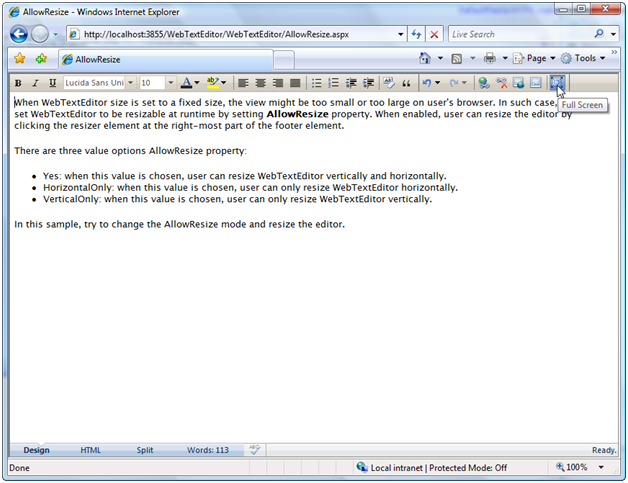
- Simply click Full Screen command in the toolbar.
 See Also
Other Resources
{Full Screen}